AI image to video generator
Upload a photo and get a clip of up to 30 seconds that starts on it. Choose from 17 models, all on one account.
You bring
One image
The first frame of the clip. On most models it also sets the clip’s shape.
A prompt
What moves and what the camera does. Optional on some models.
Pick a model
17 models run image to video here. The table below compares their limits and prices.
Add your photo
Upload the image the clip starts from and say what should move. Some models need no prompt at all.
Get your clip
You see the price before you run it, and a generation that fails costs nothing.
AI models for image to video
Ardscale runs image to video on 17 models, made by Alibaba, Kuaishou, MiniMax, ByteDance, Google, and ShengShu.

HappyHorse 1.1· Video
Videos up to 15 seconds, up to 1080p

Kling 2.6· Video
Videos up to 10 seconds, up to 1080p

Kling 3.0· Video
Videos up to 15 seconds, up to 4K

Kling 4.0 Flash· Video
Videos up to 20 seconds, up to 720p
| Model | Maker | Length | Top resolution | Aspect ratios | Price |
|---|---|---|---|---|---|
| HappyHorse 1.1 | Alibaba | 3–15 sec | 1080p | 16:9, 9:16, 1:1, 4:3, 3:4, 4:5, 5:4, 9:21, 21:9 | From 19 credits per second |
| Kling 2.6 | Kuaishou | 5–10 sec | 1080p | 16:9, 9:16, 1:1 | From 7 credits per second |
| Kling 3.0 | Kuaishou | 3–15 sec | 4K | 16:9, 9:16, 1:1 | From 8 credits per second |
| Kling 4.0 Flash | Kuaishou | 3–20 sec | 720p | 16:9, 9:16, 1:1, 21:9 | From 12 credits per second |
| Kling 4.0 | Kuaishou | 3–30 sec | 1080p | 16:9, 9:16, 1:1, 21:9 | From 11 credits per second |
| MiniMax H3 Max | MiniMax | 5–15 sec | 768p | 21:9, 16:9, 4:3, 1:1, 3:4, 9:16 | From 8 credits per second |
| MiniMax H3 | MiniMax | 4–15 sec | 2K | 21:9, 16:9, 4:3, 1:1, 3:4, 9:16 | From 11 credits per second |
| Seedance 2.0 | ByteDance | 4–15 sec | 4K | 16:9, 4:3, 1:1, 3:4, 9:16, 21:9 | From 10 credits per second |
| Seedance 2.5 | ByteDance | 4–30 sec | 1080p | 16:9, 4:3, 1:1, 3:4, 9:16, 21:9 | From 12 credits per second |
| Veo 3.1 Fast | 4–8 sec | 4K | 16:9, 9:16 | From 10 credits per second | |
| Veo 3.1 | 4–8 sec | 4K | 16:9, 9:16 | From 36 credits per second | |
| Vidu Q3 Pro | ShengShu | 1–16 sec | 1080p | 16:9, 9:16, 4:3, 3:4, 1:1 | From 8 credits per second |
| Vidu Q3 Turbo | ShengShu | 1–16 sec | 1080p | 16:9, 9:16, 4:3, 3:4, 1:1 | From 5 credits per second |
| Vidu Q4 Preview | ShengShu | 3–16 sec | 4K | 16:9, 9:16, 4:3, 3:4, 1:1 | From 7 credits per second |
| Wan 2.6 Flash | Alibaba | 2–15 sec | 1080p | 16:9, 9:16, 1:1, 4:3, 3:4 | From 5 credits per second |
| Wan 3.0 Prime | Alibaba | 2–30 sec | 1080p | 21:9, 16:9, 4:3, 1:1, 3:4, 9:16 | From 11 credits per second |
| Wan 3.0 | Alibaba | 2–30 sec | 1080p | 21:9, 16:9, 4:3, 1:1, 3:4, 9:16 | From 7 credits per second |
Length, resolution and aspect ratios show each model’s full range. One mode can narrow it, and a clip that starts from your image usually takes the image’s shape.
More video tools
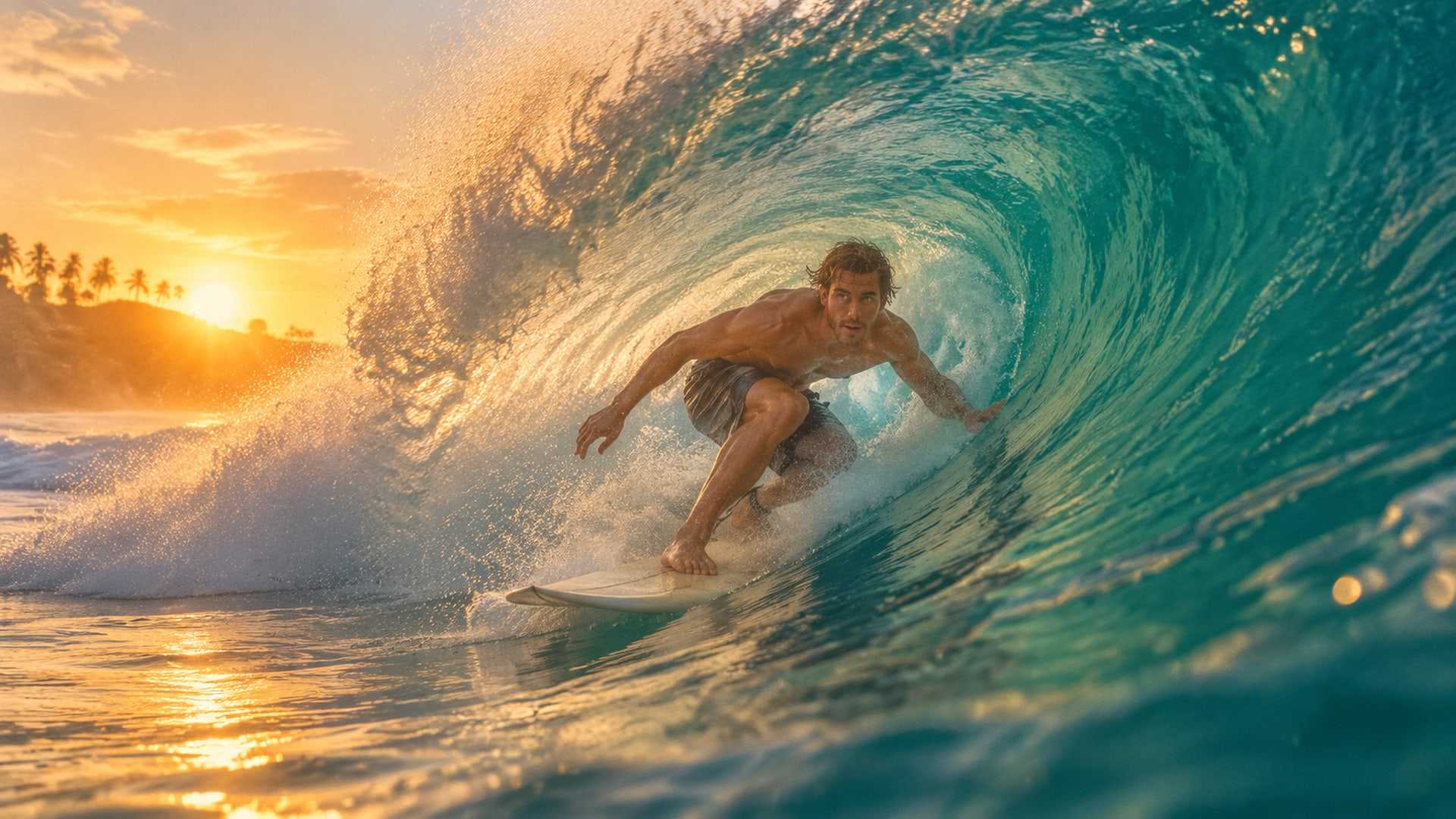
Text to video
Write a scene and get the clip.
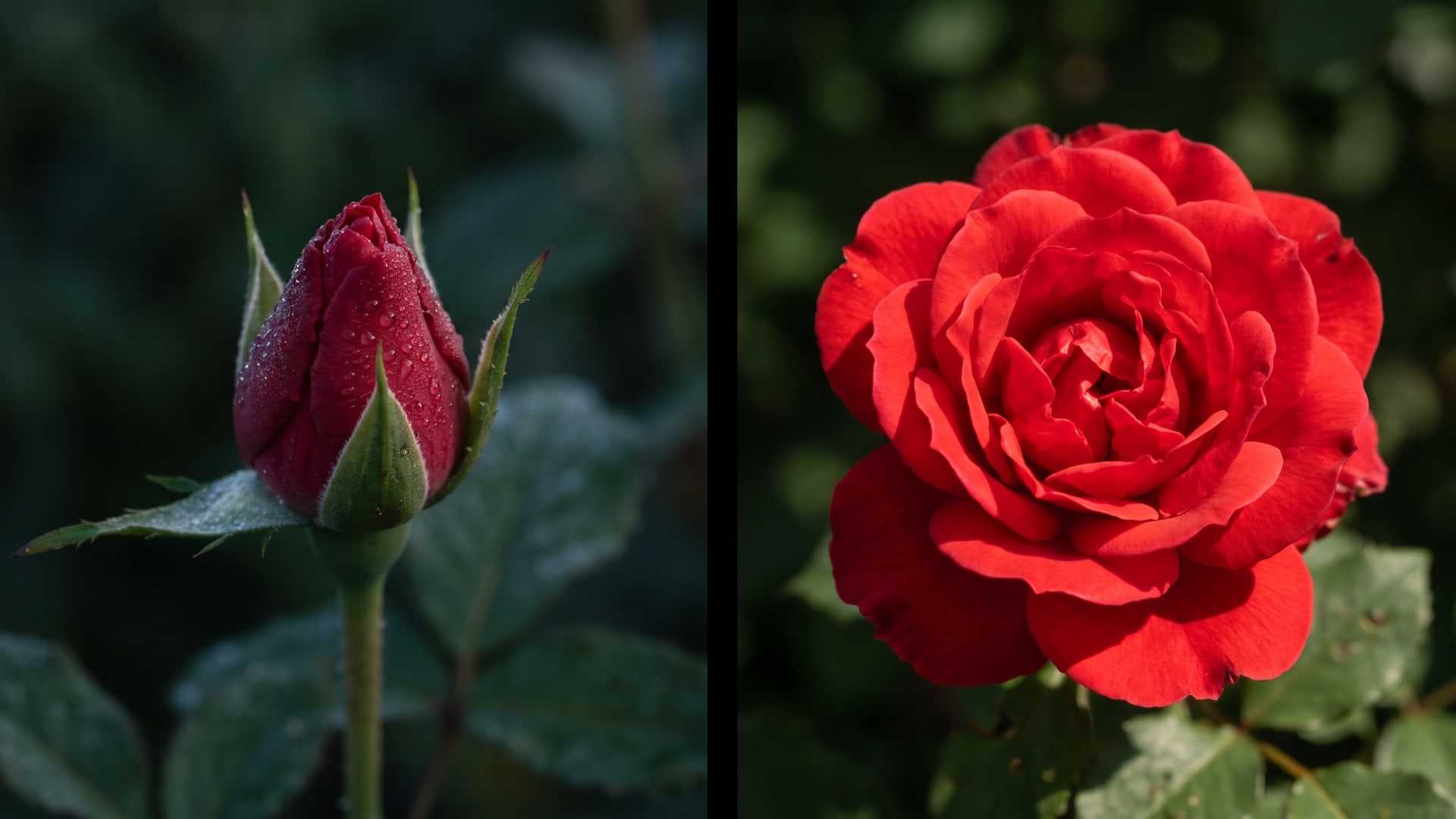
First and last frame to video
Set both ends of a shot and get the motion between.
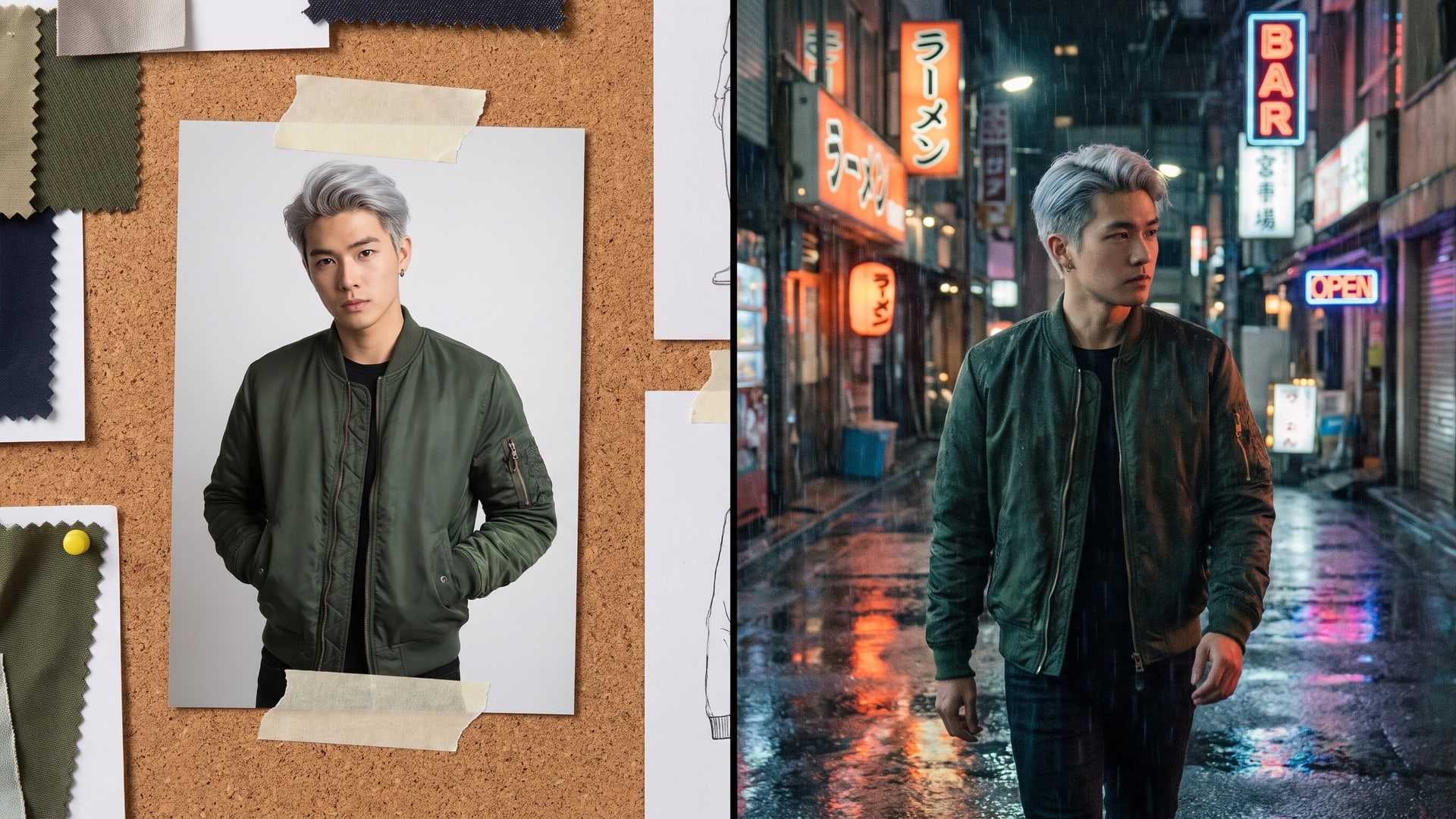
Reference to video
Put your own characters, products or places in a clip.
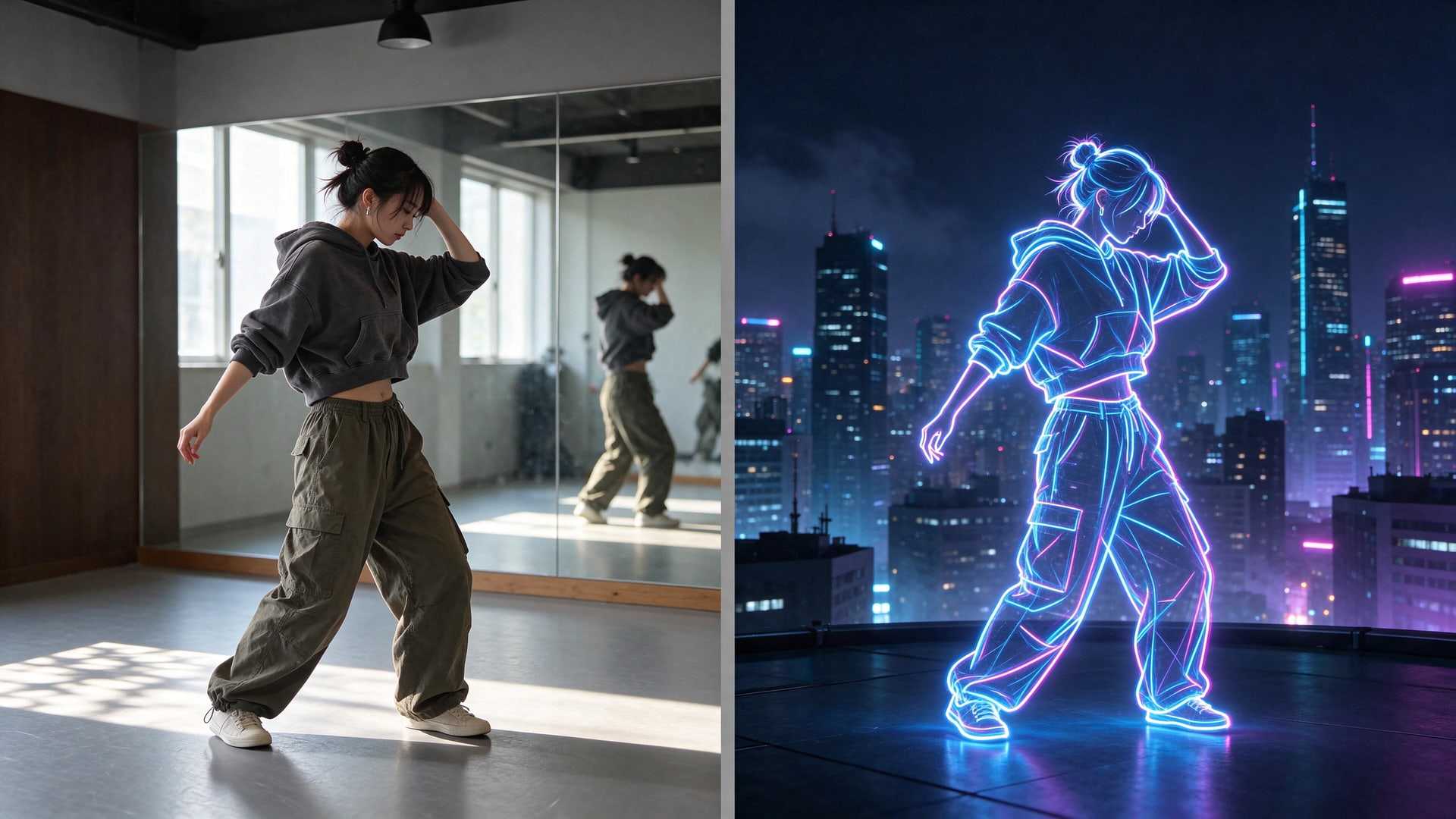
Video to video
Change a clip you already have.
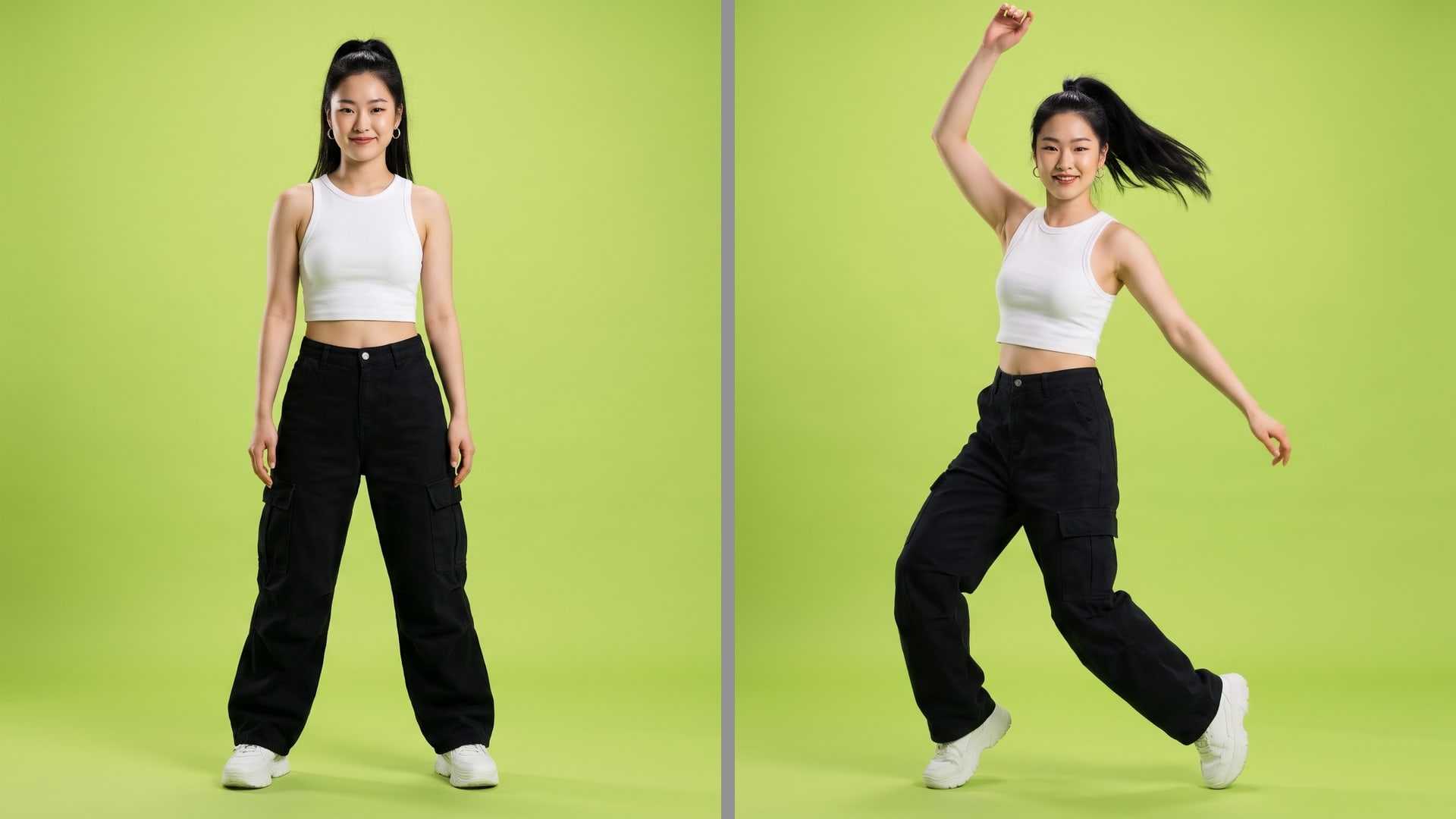
Motion control
Make your character copy the moves in a video.
Which AI models run image to video on Ardscale?
Ardscale runs image to video on 17 models: HappyHorse 1.1, Kling 2.6, Kling 3.0, Kling 4.0 Flash, Kling 4.0, MiniMax H3 Max, MiniMax H3, Seedance 2.0, Seedance 2.5, Veo 3.1 Fast, Veo 3.1, Vidu Q3 Pro, Vidu Q3 Turbo, Vidu Q4 Preview, Wan 2.6 Flash, Wan 3.0 Prime, and Wan 3.0.
How long can the clips be, and at what resolution?
Clips run up to 30 seconds, on Kling 4.0, Seedance 2.5, Wan 3.0 Prime, and Wan 3.0. The sharpest output is 4K, from Kling 3.0, Seedance 2.0, Veo 3.1 Fast, Veo 3.1, and Vidu Q4 Preview.
How much does image to video cost?
On Ardscale, image to video starts at 5 credits per second, on Vidu Q3 Turbo and Wan 2.6 Flash. Every model has its own price and you see it before you generate. A generation that fails costs nothing.
What is the difference between image to video and first and last frame to video?
Image to video takes one picture, and the model decides where the shot ends. First and last frame takes two, so you set both ends of the clip.